Discover where an email may be registered
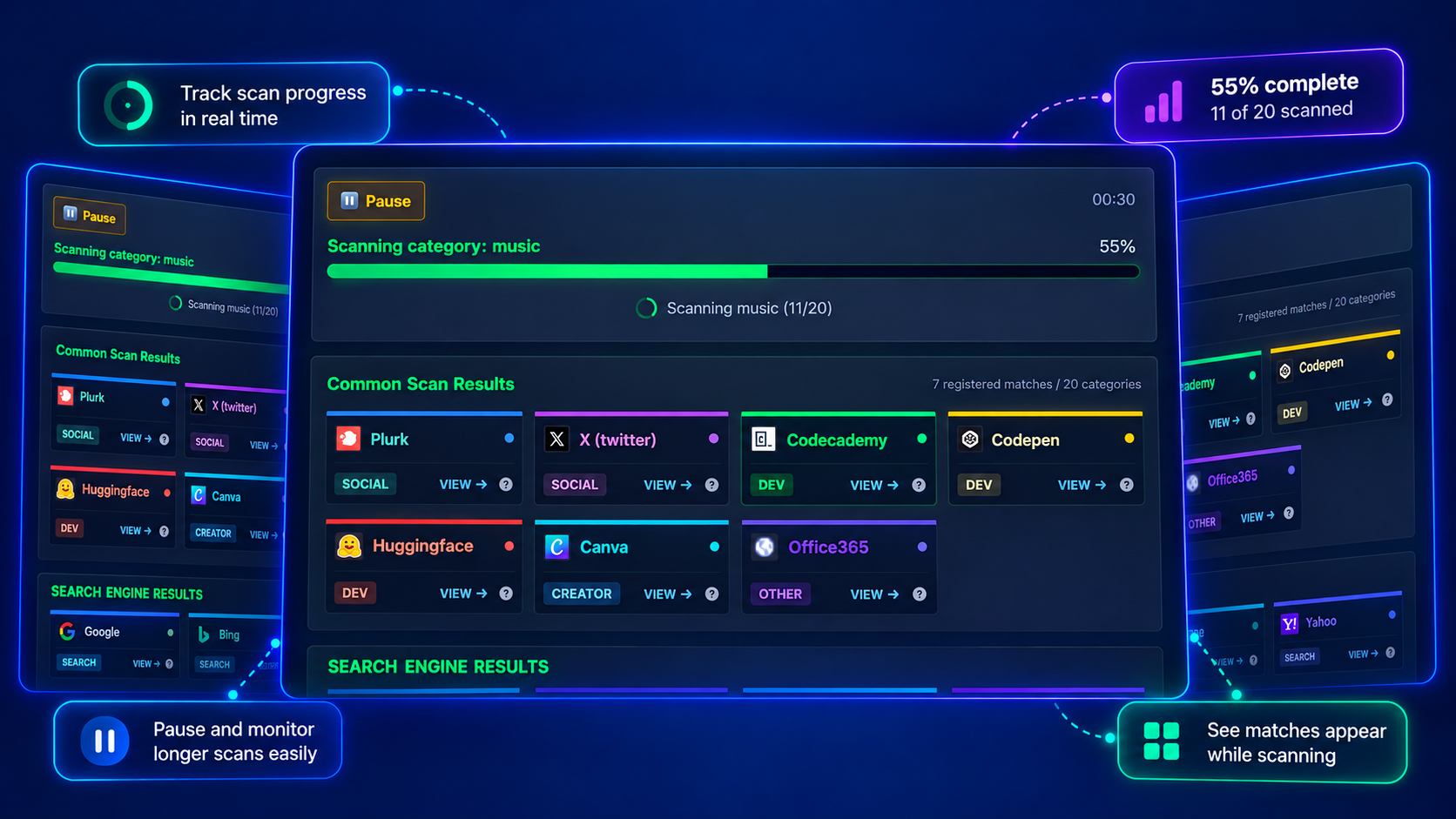
Check an email across 220 supported sites and watch registration matches appear as the scan progresses. View platform categories and pause or continue the scan when needed.
Professional email OSINT search tool to check if your email address has been exposed in data breaches. Free OSINT tools for email intelligence gathering
Check registration signals, understand each site response, and explore available public web references.
Check an email across 220 supported sites and watch registration matches appear as the scan progresses. View platform categories and pause or continue the scan when needed.
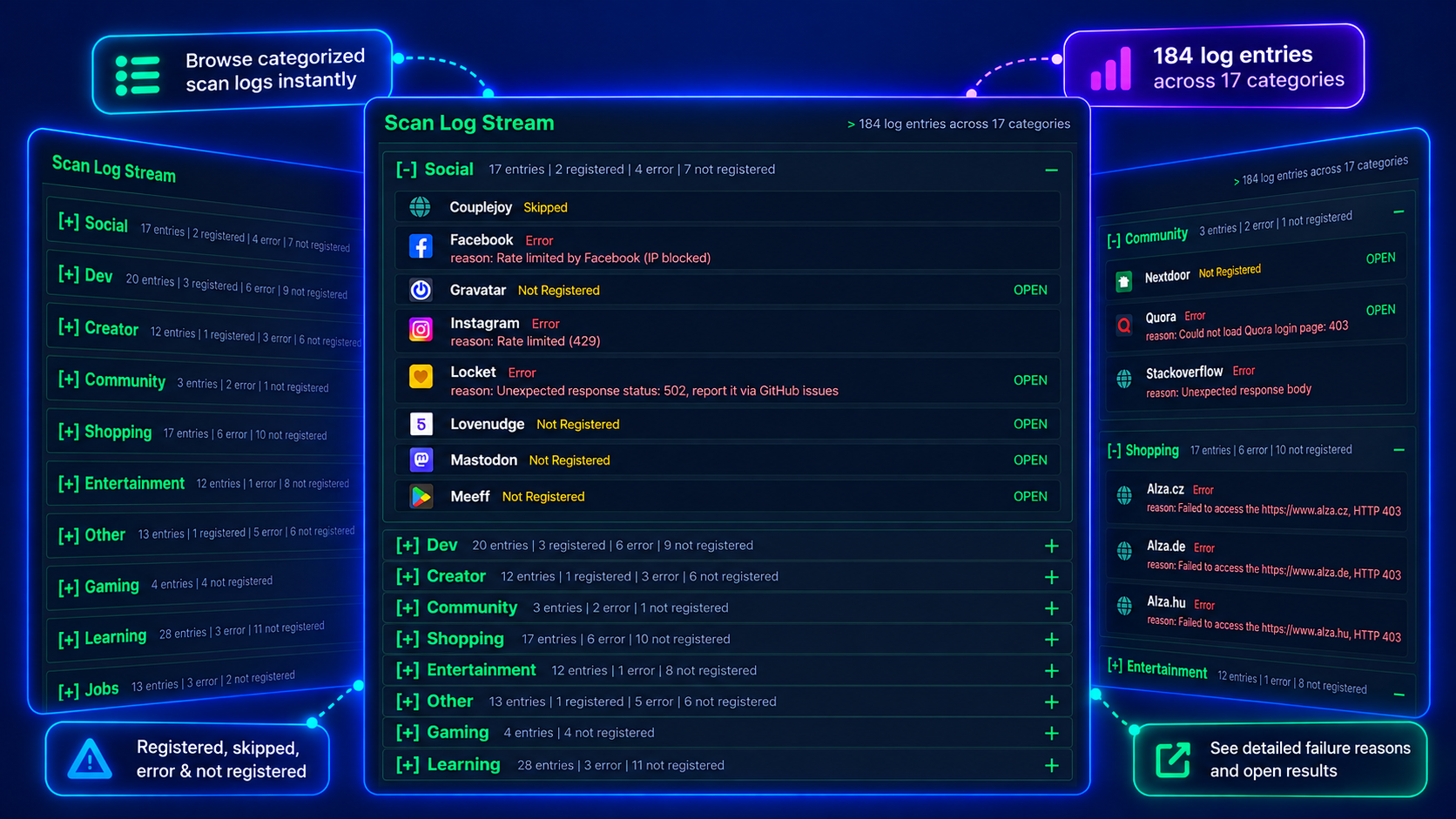
Browse logs across 20 categories to distinguish Registered, Not Registered and Error responses. Inspect available failure reasons and open a site to investigate further.
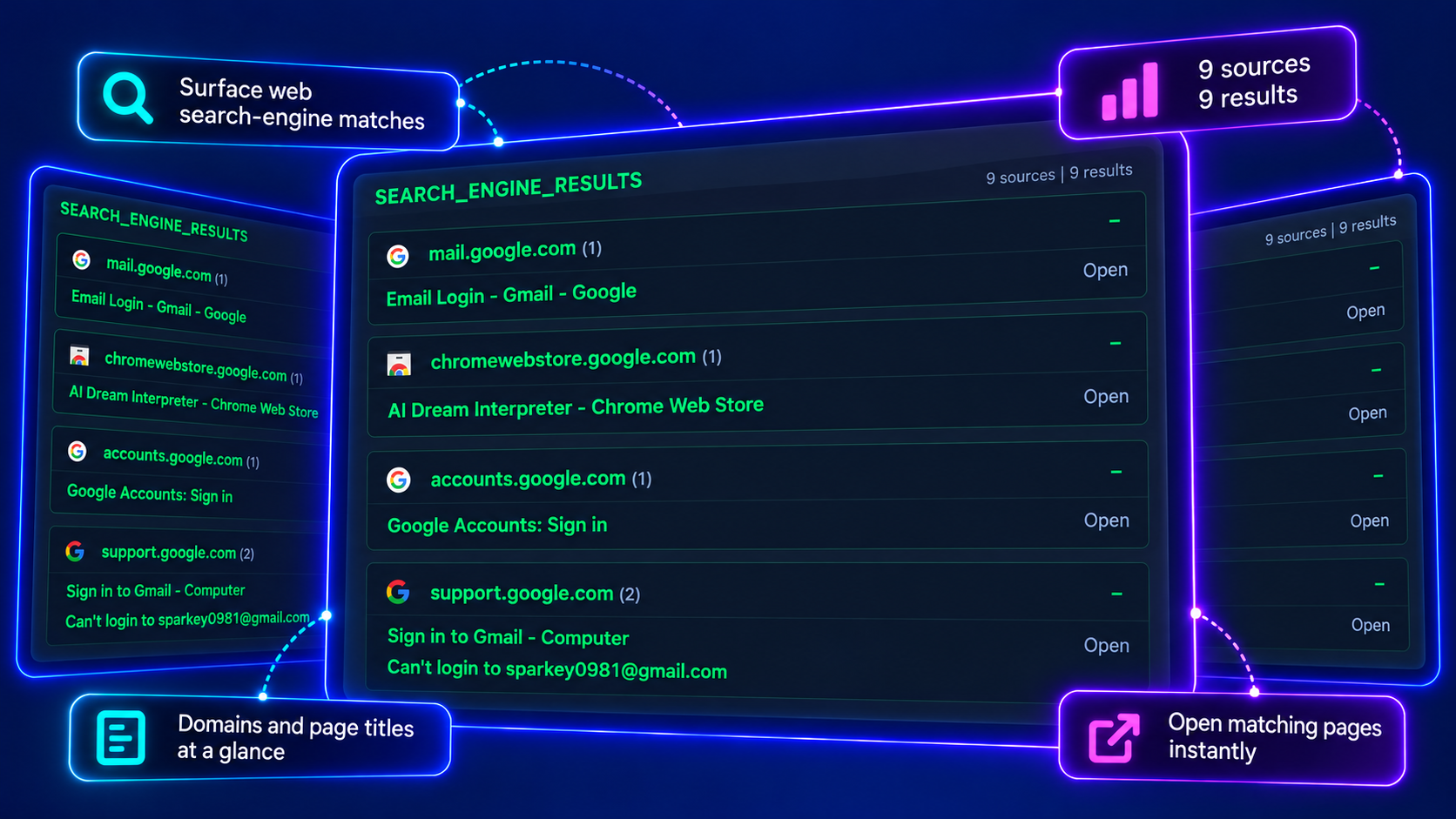
Where search-engine results are available, review public pages related to an email, grouped by domain. Follow the original links to investigate mentions separately from registration checks.
Understand registration signals, result links and the limits of an email scan.
Start an email searchRegistered is a signal that the email may be registered on a site. It does not establish that a password or personal information was leaked. Registration checks and data-breach evidence are different kinds of information.
Most email checks use password recovery to confirm registration. These responses usually do not reveal the username or user ID needed for a profile link. Open the main site to continue investigating.
Not Registered means the site check returned a negative registration result. Error means the check could not complete reliably, for example because of a blocked request or unexpected response. An error is not a negative registration result.
The email module supports 220 sites. A scan cannot cover every website or establish past registration history. Site changes and failed requests can also affect the results, so an empty result is not proof that no accounts exist.
Search-engine results are supplementary references to public pages. A mention does not confirm registration or account ownership. Their availability also depends on regional access, site settings and the search service.
Enable Privacy Mode before starting the scan. This prevents creating or updating saved history for that scan. The query is still sent to providers required for detection; Google results may appear where available without being saved.