Find a username across platforms
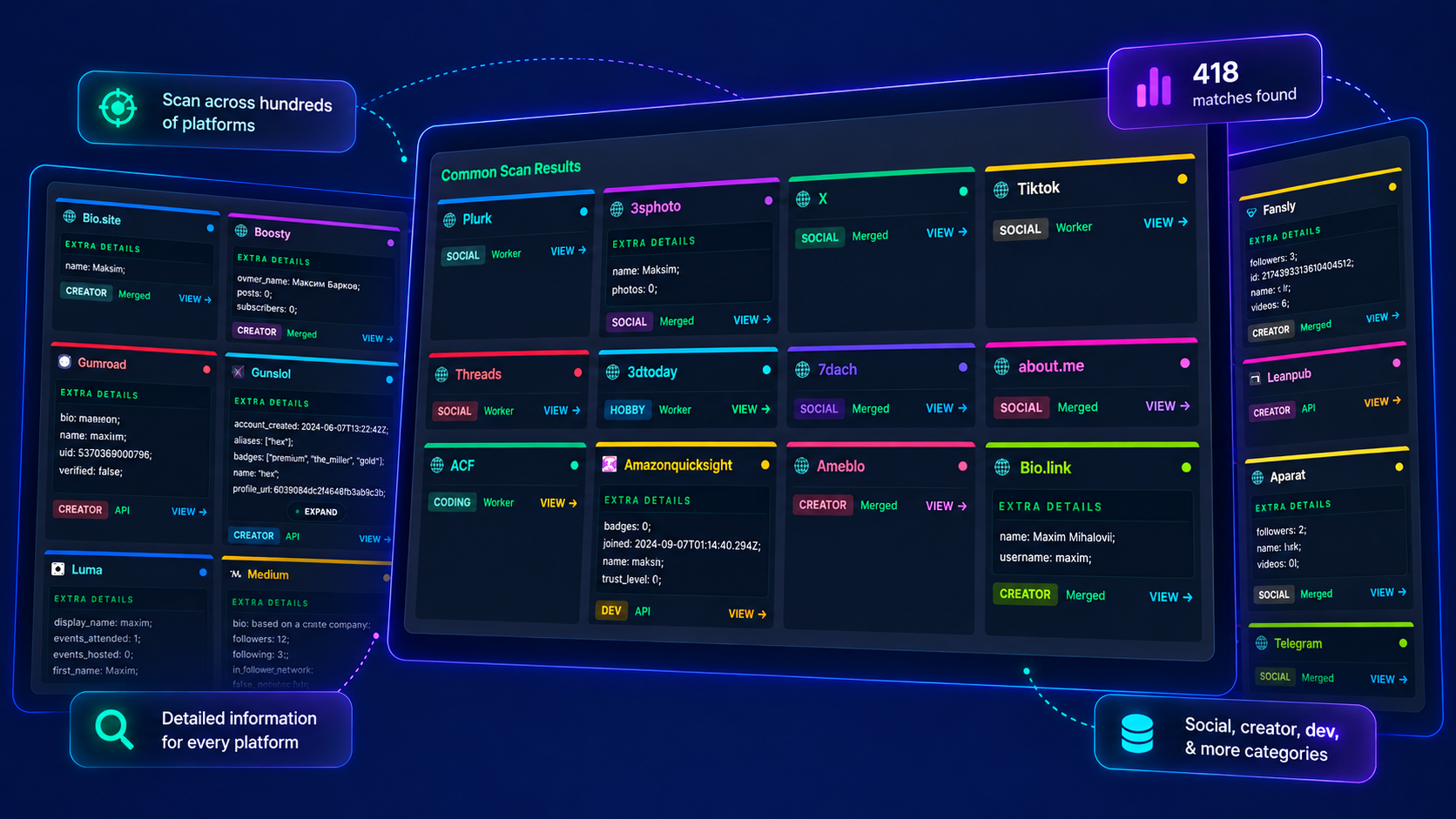
Check up to 2,518 sites across 17 categories. Matching profiles appear as results return, and progress tracks the number of sites checked. Open source pages to verify each lead.
WhatsMyName web app online version
Explore matching accounts, follow their sources, and see how each scan unfolds.
Check up to 2,518 sites across 17 categories. Matching profiles appear as results return, and progress tracks the number of sites checked. Open source pages to verify each lead.
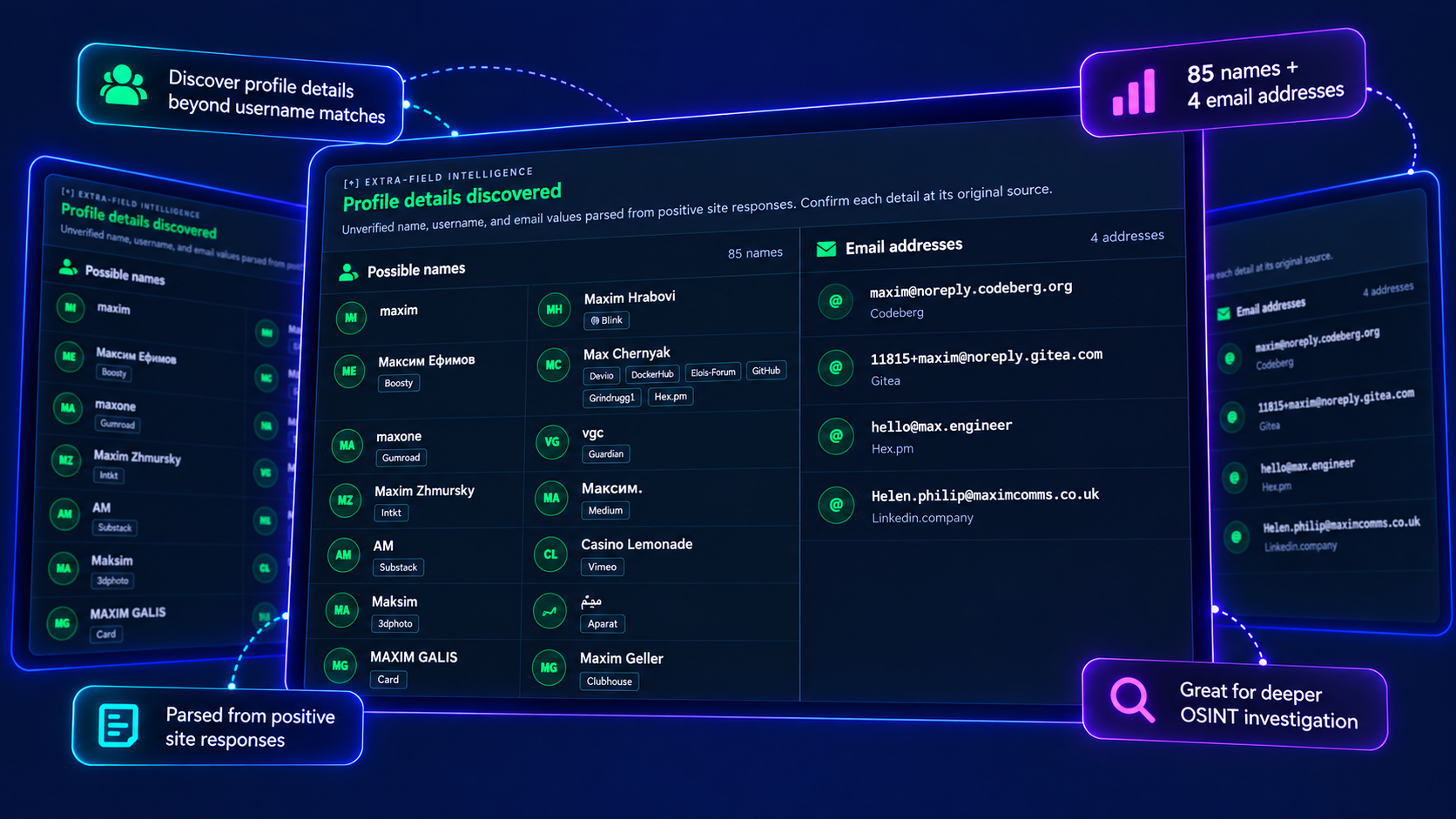
When site responses include additional information, collect possible names, usernames and email addresses with their sources. Follow each lead back to the original site to verify it.
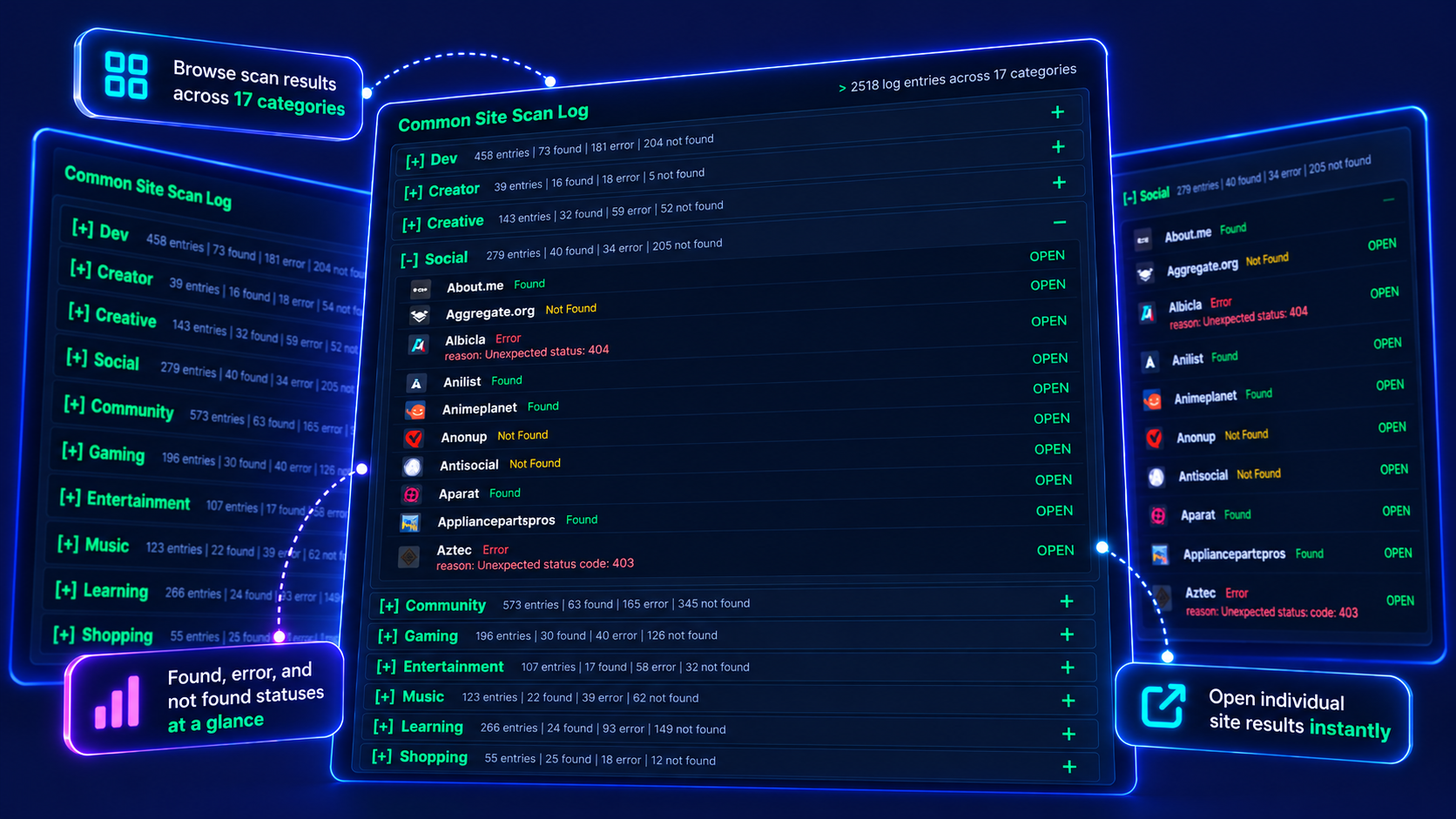
Follow the scan across 17 categories and inspect Found, Not Found and Error responses. Open individual sites for a closer look, or pause and continue a running scan.
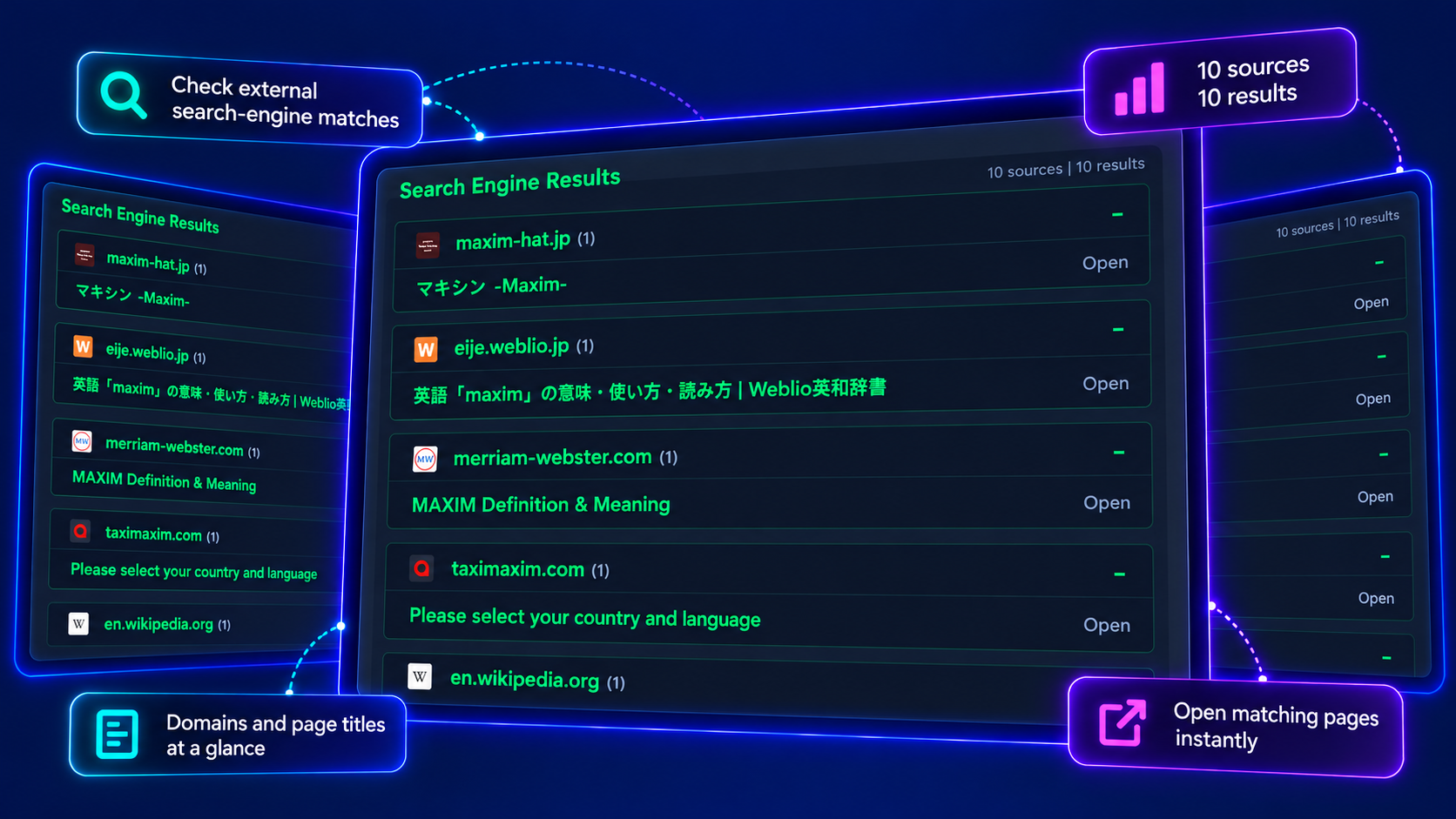
Where search-engine results are available, explore public pages related to your username, grouped by source domain. Review page titles and visit the originals to assess each lead.
Understand what a match means, how to follow a lead, and how your search history works.
Start a username searchA username match is a lead, not a verified identity. Different people can use the same name on different platforms. Compare the original profiles and their details before drawing a connection.
The username module currently supports 2,518 sites, with API checks organized into 17 categories. Progress is based on returned site checks, including matches, misses and site errors. Actual coverage depends on site availability.
Some sites use IP-based security controls or request rate limits that can block scans, returning HTTP 403, 429 or unexpected pages. Existing accounts may then go undetected. Site changes and temporary outages can also affect results. Review the scan logs and verify important leads on the original site; no match does not prove an account does not exist.
Additional details appear only when a positive site response includes information the scanner can parse. Possible names and email addresses are unverified leads; check each one at its listed source.
Search-engine results depend on service availability, site settings and regional access. They are supplementary public-web references and do not independently confirm an account or identity.
Searches and matched results are saved to your account history by default. Enable Privacy Mode before scanning to avoid creating or updating history for that scan. Required providers still receive the submitted query.